
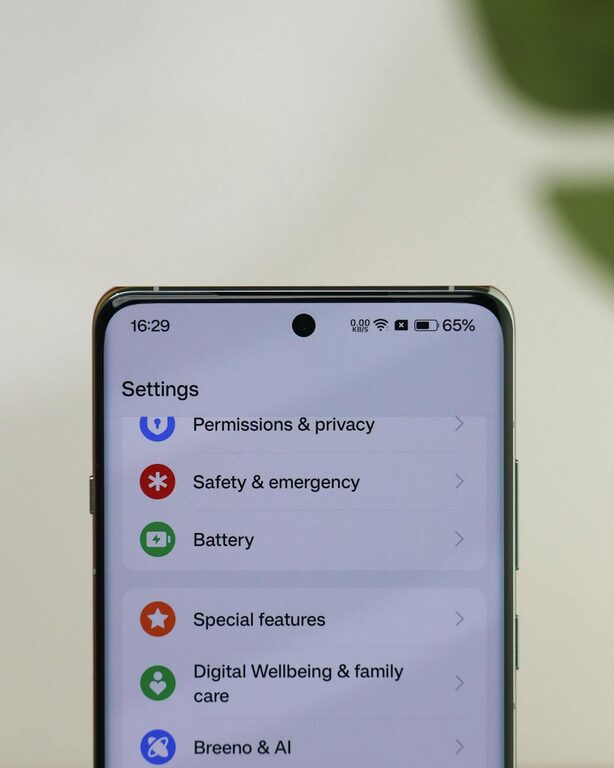
In today’s hyper-connected world, notifications are a constant presence on our smartphones, computers, and other devices. While they are designed to keep us informed, notifications can quickly become a source of distraction and stress. Setting clear boundaries with notifications is essential if you want to boost your focus, manage your time better, and maintain a healthier relationship with technology. This post offers practical tips to help you take control of your notifications without missing important updates.
Why Set Boundaries with Notifications?
Notifications can interrupt your flow, fragment your attention, and increase stress levels. Constant alerts pull you away from the task at hand, making it harder to concentrate or complete work efficiently. By setting boundaries, you create space to focus, reduce anxiety, and improve your overall productivity and well-being.
Assess Your Notification Settings
Before changing anything, take a moment to review the types of notifications you receive and where they come from.
Make a Notification Inventory
– List all apps and services that send notifications.
– Note the frequency and nature of the alerts.
– Identify which notifications are important and which are not.
This inventory will help you decide what really deserves your attention.
Customize Notifications by Priority
Not all notifications are created equal. Learn to distinguish between essential and non-essential alerts.
Use “Do Not Disturb” Modes
Most devices have “Do Not Disturb” settings that let you silence notifications during certain times or activities. Set these for:
– Work hours when you need to focus.
– Mealtimes or family time.
– Sleep hours to avoid nighttime interruptions.
Enable Notification Channels
Many apps allow you to customize notification types within the app:
– Choose to receive alerts only for critical updates.
– Turn off promotional or social media notifications.
– Use priority settings when available to mark some alerts as urgent.
Schedule Time for Checking Notifications
Instead of reacting to every alert immediately, practice “batch checking” notifications.
– Set specific times during the day to review emails, messages, and social media.
– Avoid checking notifications first thing in the morning or right before bed to maintain healthy habits.
– Use a timer if needed to limit the time spent on notifications during these sessions.
Use Technology to Your Advantage
Some apps and tools can help manage your notification flow and maintain focus.
Focus and Productivity Apps
Apps like Focus@Will, Forest, or Freedom can block distracting notifications and websites while you work.
Smart Notification Managers
Tools such as Slack’s notification settings or email filters help prioritize what reaches you.
Summary Notifications
Some platforms offer digest or summary notifications. Instead of multiple alerts, you receive one consolidated message at a set time.
Create Physical and Digital Boundary Cues
Your environment can help reinforce boundaries with notifications.
Designate “No Phone” Zones
Establish areas where you don’t use devices, like the dinner table or bedroom.
Turn Off Notification Sounds or Vibrations
Use silent modes or airplane mode during focused work sessions.
Use Separate Devices for Work and Personal Use
If possible, separate your communication channels to better control when and how you receive notifications.
Communicate Your Boundaries Clearly
If notifications come from colleagues, friends, or family, make sure they understand your boundaries.
– Let people know your preferred times for calls or messages.
– Use status messages on chat apps to indicate when you are busy or unavailable.
– Encourage communicating via email or other methods during your “offline” times.
Monitor and Adjust Over Time
Setting notification boundaries is an ongoing process.
– Regularly review your notification settings and habits.
– Notice how changes affect your focus and stress levels.
– Adjust your approach as needed for different projects or life changes.
Benefits of Managing Notifications Effectively
By taking control of your notifications, you can enjoy:
– Increased concentration and productivity.
– More relaxed, mindful time both at work and home.
– Reduced stress and digital fatigue.
– Better work-life balance with clearer separation.
Final Thoughts
Notifications can be powerful tools when managed well, but they can also overwhelm and distract if unchecked. By assessing your current situation, customizing alerts, scheduling times to check them, and creating clear physical and communication boundaries, you can reclaim your focus and enjoy a healthier, more balanced connection with technology.
Try implementing one or two of these tips today and notice the difference in your daily routine!